VideoEdge Go1.1.0
Publisher Description
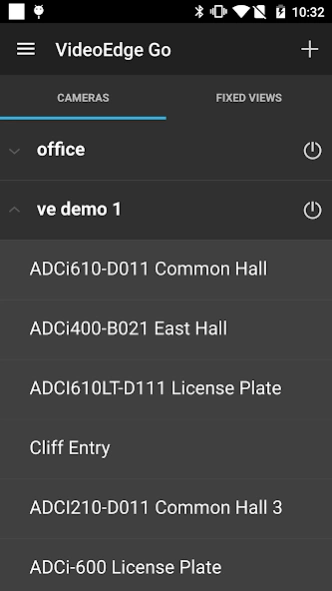
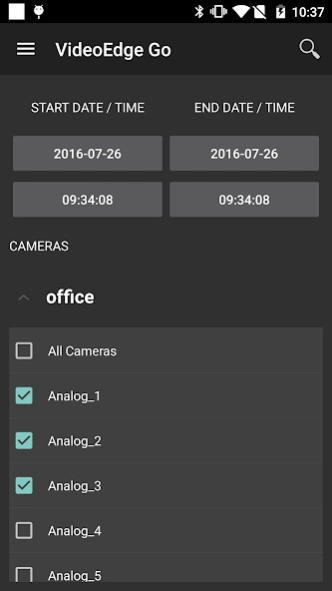
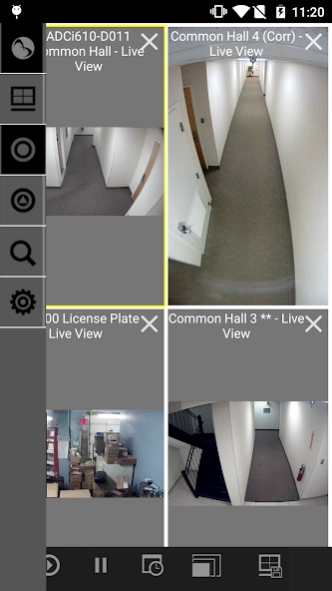
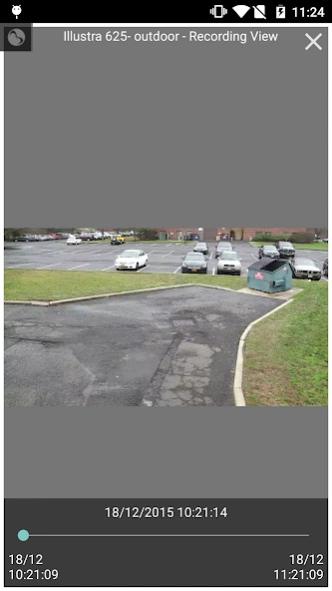
VideoEdge Go is a viewer for American Dynamics VideoEdge Network Video Recorders
VideoEdge Go is a full featured video surveillance viewer for American Dynamics' VideoEdge Network Video Recorders. VideoEdge Go delivers added value to customers and enhances their day-to-day experience by facilitating remote monitoring and forensic investigating from anywhere.
- Easily switch between multiple recorders or sites.
- Make fixed views with cameras from multiple recorders or sites.
- View live video as well as search for previously recorded video.
- Easily navigate through recorded video in playback mode by using the slider bar.
- Save still image or video clips to the photo roll of your device.
- Quickly navigate to important cameras by adding them to your favorites list.
- Supports intuitive multitouch gestures, allowing you to control PTZ cameras or perform digital zoom functions using standard pinch and zoom gestures.
- Intuitive navigation of multiple cameras simultaneously with 4.5.1 NVRs or greater.
The current version supports VideoEdge version 4.2 and higher.
American Dynamics, a Tyco International Company, offers some of the world's most widely adopted video solutions for improved security and business performance.
About VideoEdge Go
The company that develops VideoEdge Go is Tyco Security Products (Sensormatic Electronics). The latest version released by its developer is 1.1.0.
To install VideoEdge Go on your Android device, just click the green Continue To App button above to start the installation process. The app is listed on our website since 2016-09-09 and was downloaded 29 times. We have already checked if the download link is safe, however for your own protection we recommend that you scan the downloaded app with your antivirus. Your antivirus may detect the VideoEdge Go as malware as malware if the download link to com.tyco.videoedge is broken.
How to install VideoEdge Go on your Android device:
- Click on the Continue To App button on our website. This will redirect you to Google Play.
- Once the VideoEdge Go is shown in the Google Play listing of your Android device, you can start its download and installation. Tap on the Install button located below the search bar and to the right of the app icon.
- A pop-up window with the permissions required by VideoEdge Go will be shown. Click on Accept to continue the process.
- VideoEdge Go will be downloaded onto your device, displaying a progress. Once the download completes, the installation will start and you'll get a notification after the installation is finished.
Program Details
General
System requirements
Download information
Pricing
Version History
version 1.1.0
posted on 2016-09-09
What’s new:,- VideoEdge go now connects to multiple videoEdge servers at the same time.,- Create new fixed views from one or more VideoEdge servers.,- Events have been redesigned to support multiple VideoEdge servers.,- Various bug fixes.,- Increased stability.
